


Web development is the process of creating and maintaining websites and web applications. It combines programming, design, data management, security, and testing to build experiences that people can use through a web browser.
For beginners, learning Web Development For Beginners can open opportunities to create personal projects, business websites, online tools, and more complex applications.
You do not need to learn every programming language at once. Starting with the fundamentals and practicing regularly is a more manageable way to build your skills.
1. Understand the Main Types of Web Development:
Web development is commonly divided into three areas.
Front-end development focuses on what users see and interact with. It typically involves HTML, CSS, and JavaScript.
Back-end development handles server-side logic, application rules, authentication, and communication with databases.
Full-stack development combines front-end and back-end work, although the exact responsibilities depend on the project.
Understanding these areas helps you decide which skills to learn first.
2. Learn HTML, CSS, and JavaScript:
HTML provides the structure of a web page. CSS controls its appearance, including layouts, colors, typography, and responsive styling. JavaScript adds interactive behavior.
These technologies form a useful starting point for anyone who wants to understand how websites work.
Begin with small exercises, such as creating a personal profile page, styling a navigation menu, or building a simple interactive calculator.
Practice matters because reading about programming does not always translate into the ability to solve problems independently.
3. Understand Responsive Web Design:
Responsive web design helps websites adapt to different screen sizes and devices.
A responsive page should have readable text, sensible spacing, usable navigation, and controls that work on mobile screens.
Developers can use flexible layouts, responsive CSS techniques, and device testing to improve usability.
This matters for business websites as well. Visitors should be able to read information, explore services, and complete forms without struggling with the layout.
4. Explore Content Management Systems:
Not every website requires custom programming. Content management systems such as WordPress allow users to publish and organize content through an administrative interface.
They can be useful for blogs, business websites, and other content-focused projects.
The right approach depends on the site’s requirements. A content management system may be sufficient for a simple publication, while a specialized web application may require custom development.
Choose tools according to functionality, budget, security, maintenance needs, and available technical support.
5. Learn About Back-End Development and Databases:
As projects become more advanced, you may need to understand how websites process information and store data.
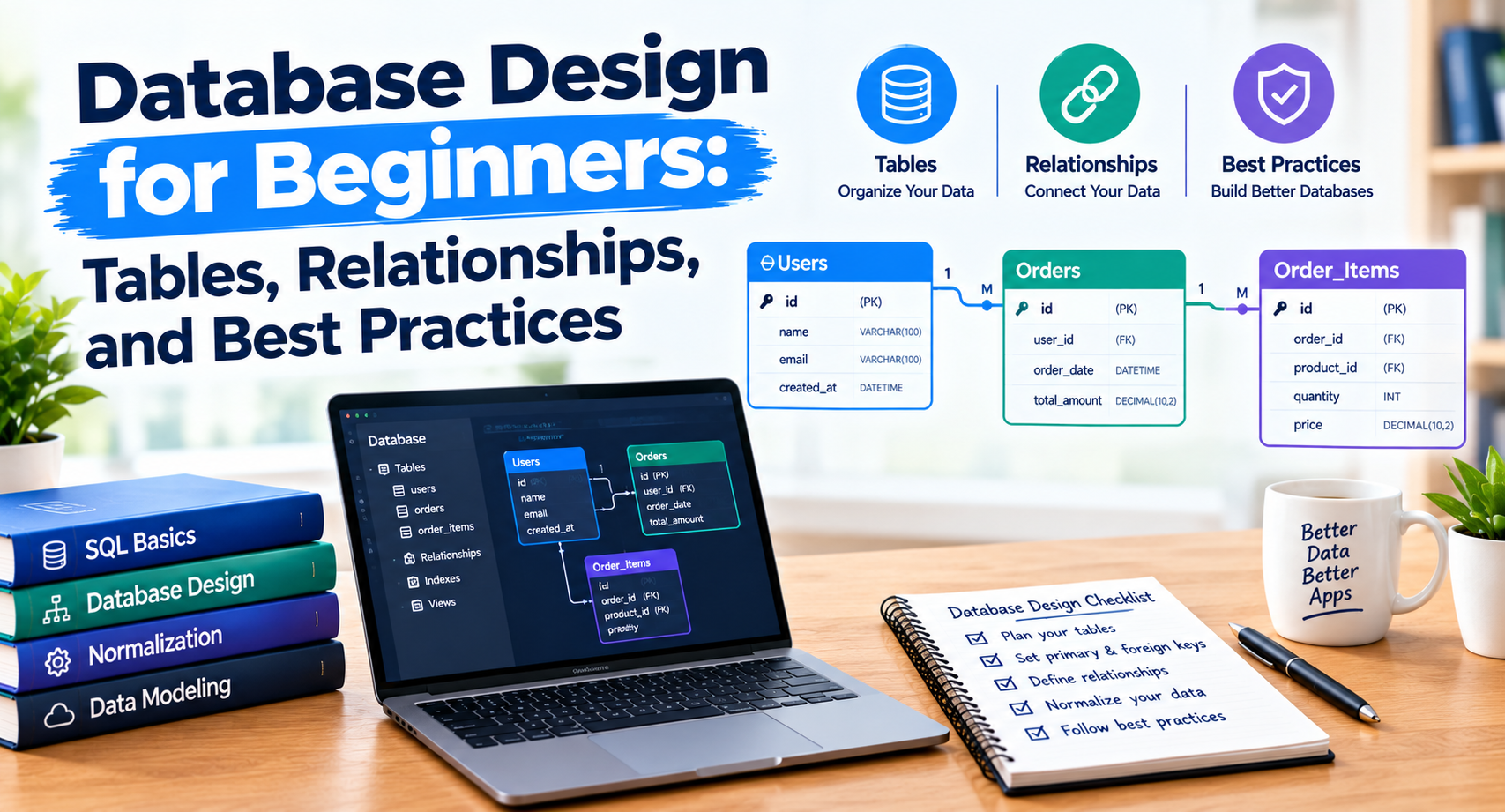
Back-end technologies handle tasks such as user authentication, business logic, and requests from the front end. Databases store structured information such as user profiles, product details, or orders.
Learn the fundamentals before choosing a specific framework or database. You should also understand basic security principles, including input validation, access control, and safe handling of sensitive information.
6. Use Version Control and Testing:
Version control helps developers track changes to their code and collaborate with others. Git is a widely used version control system.
Testing helps identify problems before users encounter them. Depending on the project, testing may include checking page layouts, form behavior, application logic, accessibility, and performance.
Regular testing and version control make it easier to identify errors and maintain projects as they grow.
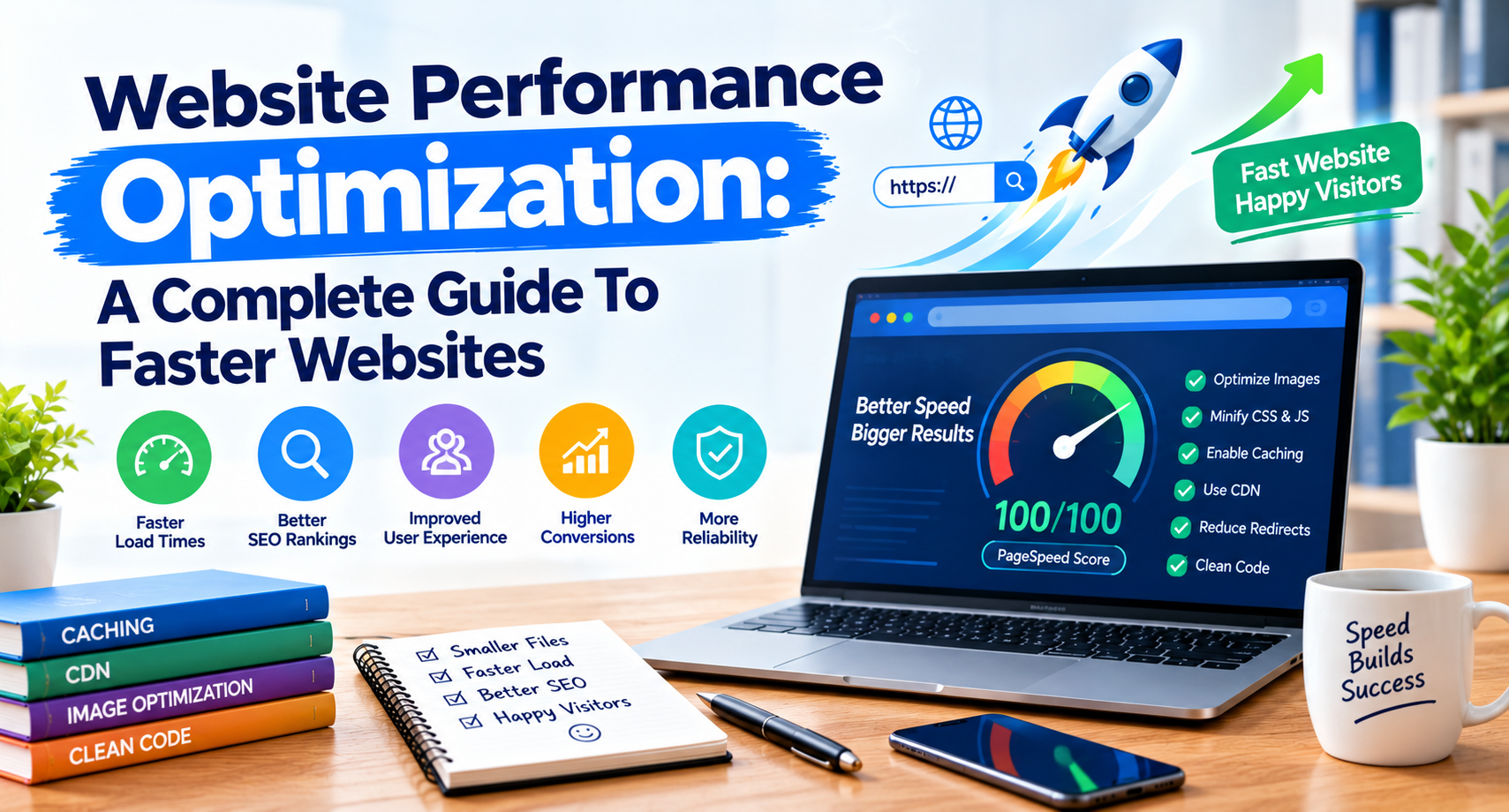
7. Consider Website Performance and SEO:
Development decisions can affect how easily people use and discover a website.
Efficient code, optimized images, reliable hosting, accessible navigation, and mobile-friendly layouts can contribute to a better user experience.
Developers should also ensure that important pages can be crawled and indexed when search visibility is a goal. Descriptive titles, meaningful headings, sensible URLs, and useful internal links help organize website content.
For a related introduction, read our guide to SEO for beginners.
8. Build Practical Projects:
One of the best ways to learn web development is to create projects that gradually increase in complexity.
Start with a simple personal website, then build a landing page, a blog layout, or a small application that solves a specific problem.
Keep your code organized, document what you learn, and test your projects on different devices. A portfolio of completed work can also help demonstrate your skills to potential clients or employers.
Conclusion:
Web development combines technical skills and practical problem-solving. By learning HTML, CSS, and JavaScript, understanding responsive design, exploring back-end concepts, and building projects, beginners can develop a strong foundation.
Focus on the fundamentals, practice consistently, and learn to maintain secure and usable websites. As your experience grows, you can explore more advanced frameworks and technologies based on your goals.



Technology, AI & Digital Marketing | BlogToBlogging
October 15, 2026[…] Web Development For Beginners: A Complete Guide […]
API Development Guide: Types, Tools & Best Practices
October 15, 2026[…] Web Development For Beginners: A Complete Guide […]