

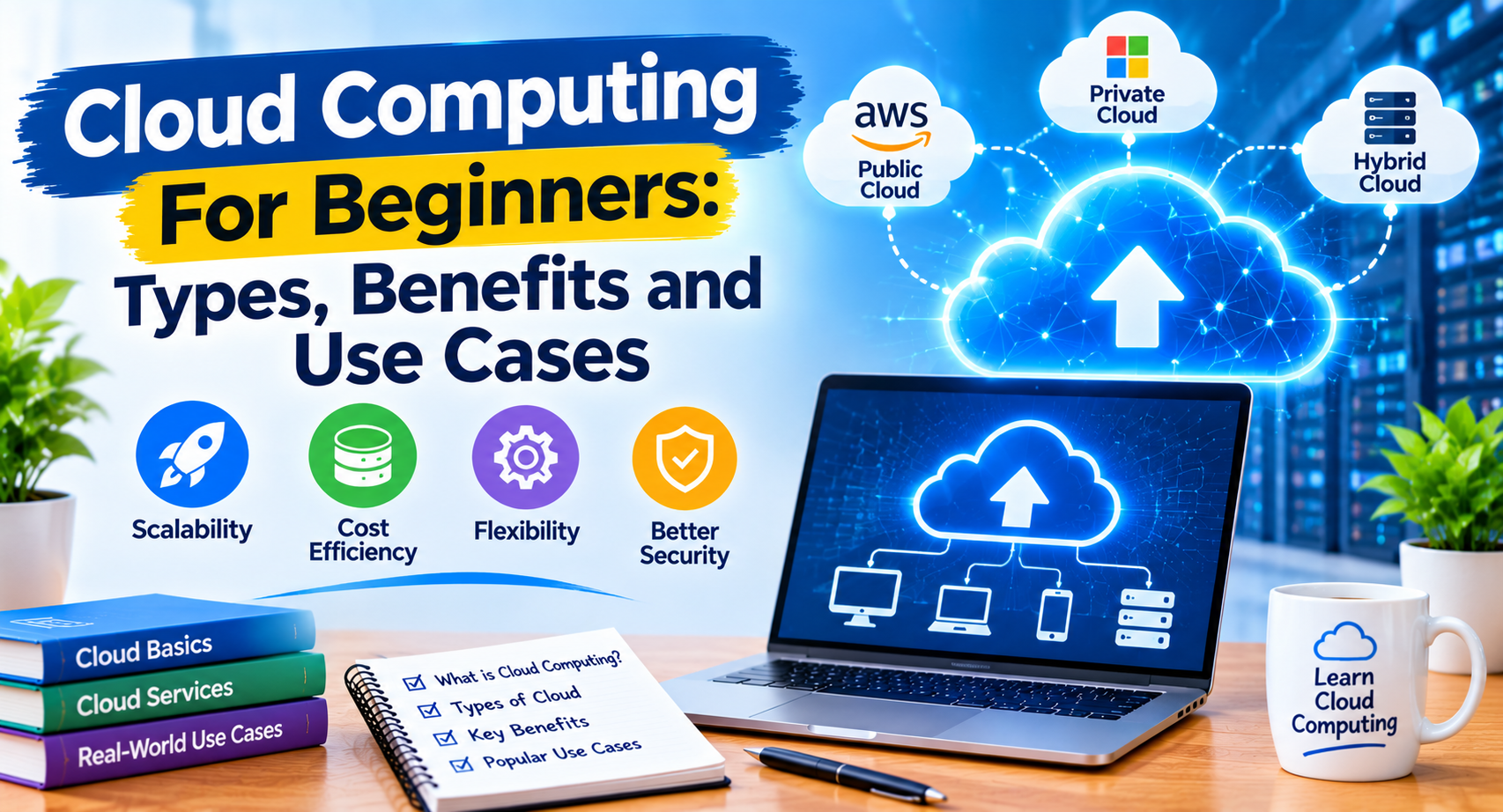
Cloud computing has changed the way businesses, developers, and individuals use technology. Instead of purchasing and maintaining expensive physical servers, users can access computing resources such as storage, databases, networking, and software through the internet.
From hosting websites to storing files and running complex applications, cloud computing supports many of the digital services people use every day.
Whether you are a beginner learning technology or a business owner exploring digital solutions, understanding cloud computing can help you make better decisions.
In this guide, we will explain what cloud computing For Beginners is, how it works, its main types, benefits, challenges, and practical applications.
What Is Cloud Computing?
Cloud computing is the delivery of computing services over the internet. These services can include servers, storage, databases, networking, software, analytics, and development tools.
Instead of managing all computing resources locally, users can access services from cloud providers and pay according to their chosen plans or resource consumption.
For example, a business can host its website on a cloud server without purchasing physical server equipment. Similarly, individuals can store photos, documents, and other files using online storage services.
Cloud computing makes technology resources more accessible and allows organizations to adjust their infrastructure as their requirements change.
How Does Cloud Computing Work?
Cloud computing works through remote data centers that contain servers, storage devices, networking equipment, and virtualization technologies.
Cloud providers manage this infrastructure and make selected resources available to customers through the internet.
A typical cloud computing process includes:
- A user or application sends a request through the internet.
- The cloud platform receives and processes the request.
- The required computing resources are allocated.
- The platform performs the requested operation.
- The result is delivered back to the user or application.
For example, when someone opens a website hosted on a cloud platform, their browser sends a request to the hosting infrastructure. The server processes the request and returns the website content.
Users generally do not need to know the physical location of the server to use the service.
Main Types of Cloud Computing
Cloud computing can be categorized according to how services are delivered and how infrastructure is deployed.
1. Infrastructure as a Service (IaaS)
Infrastructure as a Service provides virtualized computing resources over the internet.
These resources can include:
- Virtual machines.
- Storage systems.
- Networking resources.
- Computing capacity.
- Operating system environments.
IaaS gives organizations more control over their computing environments without requiring them to purchase physical servers.
For example, a developer can create a virtual server, install an operating system, configure software, and host an application.
Popular IaaS services include Amazon EC2, Azure Virtual Machines, and Google Compute Engine.
2. Platform as a Service (PaaS)
Platform as a Service provides an environment for developing, testing, and deploying applications.
The cloud provider manages much of the underlying infrastructure, allowing developers to focus more on application development.
PaaS platforms can provide:
- Application hosting environments.
- Development frameworks.
- Managed databases.
- Deployment tools.
- Application monitoring.
This model is useful for development teams that want to build and deploy applications without managing every server-level detail.
3. Software as a Service (SaaS)
Software as a Service delivers software applications through the internet.
Users typically access these applications through a web browser or dedicated application rather than installing and maintaining the entire software infrastructure themselves.
Examples include:
- Google Workspace.
- Microsoft 365.
- Salesforce.
- Dropbox.
SaaS is commonly used for communication, file management, customer relationship management, and business productivity.
Types of Cloud Deployment Models
Cloud deployment models describe how cloud infrastructure is organized and made available.
Public Cloud
A public cloud is operated by a cloud provider that offers computing services to multiple customers.
Customers use shared underlying infrastructure while maintaining logically separated environments.
Public cloud services are useful for startups, developers, businesses, and organizations that need flexible computing resources.
Private Cloud
A private cloud is dedicated to a single organization.
It can be hosted within the organization’s own data center or managed by an external provider.
Private cloud environments may offer greater control over infrastructure configuration, security policies, and resource management, depending on how they are designed.
Hybrid Cloud
A hybrid cloud combines private infrastructure with public cloud services.
For example, a company may keep certain sensitive systems in a private environment while using public cloud resources for website hosting, backups, or additional computing capacity.
This model can provide flexibility, although managing different environments requires careful planning.
Multi-Cloud
A multi-cloud strategy involves using services from multiple cloud providers.
An organization might use one provider for application hosting and another for data analytics or backup services.
Multi-cloud can provide flexibility, but it may also increase management complexity and require additional technical skills.
Key Benefits of Cloud Computing
1. Cost Flexibility
Cloud computing can reduce the need to purchase and maintain physical servers.
Many providers offer usage-based pricing, allowing organizations to pay for selected resources according to their consumption.
However, cloud services are not automatically cheaper. Costs can increase due to unnecessary resources, data transfer, storage, and poorly configured infrastructure.
2. Scalability
Cloud platforms allow businesses to increase or decrease computing resources as demand changes.
For example, an online store may need additional server capacity during a major sales campaign and less capacity during quieter periods.
Some platforms support automatic scaling based on predefined conditions.
3. Accessibility
Cloud services can be accessed from different locations through supported internet connections.
This makes it easier for distributed teams to collaborate, access files, and manage applications remotely.
Access controls and authentication should still be configured properly to protect company information.
4. Backup and Disaster Recovery
Cloud platforms can support data backup, replication, and disaster recovery strategies.
Organizations can create copies of important information and develop recovery procedures for unexpected failures.
However, storing data in the cloud does not automatically guarantee recovery. Backup schedules, retention policies, access permissions, and restoration testing remain important.
5. Faster Development
Cloud platforms provide ready-to-use computing resources, databases, development environments, and deployment tools.
Developers can create testing environments and deploy applications without purchasing physical hardware.
This can make software development workflows more flexible and efficient.
6. Global Infrastructure
Many cloud providers operate data centers and infrastructure across multiple regions.
Businesses can deploy applications closer to their target audiences, which may improve performance and reduce latency.
The actual benefits depend on infrastructure design, networking, and application configuration.
Common Uses of Cloud Computing
Cloud computing supports many industries and digital activities.
Website and Application Hosting
Businesses can host websites, web applications, and APIs using cloud infrastructure.
Developers can choose computing resources based on application requirements and scale them as traffic changes.
Cloud Storage
Cloud storage allows individuals and organizations to store and retrieve files through online services.
It is commonly used for documents, images, videos, backups, and business records.
Data Analytics
Organizations can use cloud-based analytics tools to process large datasets, identify patterns, and generate reports.
These insights can support business planning and operational decisions.
Artificial Intelligence and Machine Learning
Cloud platforms provide computing resources and managed services for AI and machine learning projects.
Developers can use these services to build applications involving image recognition, language processing, forecasting, and automation.
To explore this area further, read our guide on AI tools for productivity.
Online Business Operations
E-commerce businesses can use cloud services for website hosting, inventory management, customer databases, payment integrations, and analytics.
Cloud infrastructure can support changing workloads as a business grows.
Popular Cloud Computing Platforms
Several major providers offer cloud computing services for individuals, developers, and businesses.
Amazon Web Services (AWS)
Amazon Web Services offers a broad range of cloud products, including computing, storage, databases, networking, analytics, and AI services.
It is widely used by startups, enterprises, and software development teams.
Microsoft Azure
Microsoft Azure provides cloud infrastructure, application hosting, databases, identity services, analytics, and development tools.
It is commonly used by organizations that work with Microsoft technologies and enterprise systems.
Google Cloud
Google Cloud offers infrastructure, data analytics, machine learning, storage, and application development services.
It provides tools for developers and organizations working with data-intensive applications.
Other Cloud Platforms
Other providers and platforms also offer cloud hosting and computing services. The right choice depends on pricing, technical requirements, support, performance, security, and the services needed by an organization.
Before choosing a provider, compare its available products and pricing rather than selecting one based only on popularity.
Cloud Computing Security: What Should You Know?
Security is an important consideration when moving applications and information to cloud infrastructure.
Cloud providers secure their underlying infrastructure, but customers are generally responsible for configuring and protecting many aspects of their own cloud environments.
This is commonly known as the shared responsibility model.
Important cloud security practices include:
- Use strong passwords and multi-factor authentication.
- Apply least-privilege access permissions.
- Encrypt sensitive information where appropriate.
- Configure firewalls and network access controls.
- Keep applications and dependencies updated.
- Monitor unusual account and system activity.
- Create protected backups and test recovery procedures.
- Avoid storing credentials in publicly accessible code repositories.
Security responsibilities vary by service model. For example, managing a virtual machine usually requires more customer involvement than using a fully managed software service.
For more information, read our guide to cybersecurity for web developers.
Challenges of Cloud Computing
Although cloud computing provides many advantages, it also introduces challenges that organizations should consider.
Internet Dependency
Cloud applications generally require a reliable network connection. Network interruptions can affect access to services and data.
Data Privacy and Compliance
Organizations must understand where their information is stored, how it is processed, and which privacy or regulatory requirements apply.
Unexpected Costs
Unmonitored resources, excessive storage, and unnecessary data transfers can increase monthly bills.
Cost monitoring, budgets, and resource management policies can help control spending.
Vendor Lock-In
Moving applications between cloud providers may require changes to infrastructure, software, databases, and deployment processes.
Using open standards and planning for portability can reduce some migration challenges.
Technical Complexity
Cloud environments can involve networking, access policies, monitoring, automation, and distributed systems.
Teams may need training and experienced technical support to manage these environments effectively.
How to Choose the Right Cloud Computing Model
Selecting a cloud solution requires understanding your organization’s requirements.
Consider these factors:
- Project requirements: Identify the computing, storage, and software resources your project needs.
- Budget: Compare pricing structures, usage limits, and potential additional costs.
- Security: Review authentication, access control, encryption, and compliance requirements.
- Scalability: Consider whether your infrastructure needs may increase or decrease over time.
- Technical skills: Choose a platform your team can operate and maintain.
- Support: Review documentation, technical support, service availability, and recovery options.
A small business website may need only a straightforward hosting service, while a large application may require multiple cloud services and a more advanced architecture.
Cloud Computing and the Future of Technology
Cloud computing continues to support developments in artificial intelligence, automation, big data, Internet of Things applications, and modern software development.
AI applications can use cloud-based computing resources to process large amounts of information. Developers can also build and deploy software using managed cloud services and automated deployment pipelines.
As digital services evolve, organizations will continue to evaluate cloud technologies based on performance, cost, security, and business requirements.
Cloud computing is not a solution for every problem, but it provides a flexible foundation for many modern digital systems.
At BlogToBlogging, we share practical insights about technology, AI, business, SEO, digital marketing, and software development to help readers understand the technologies shaping the digital world.
Conclusion
Cloud computing has become an important part of modern technology by making computing resources available through the internet.
Understanding IaaS, PaaS, SaaS, and different deployment models helps beginners recognize how cloud services work and where they can be useful.
From website hosting and cloud storage to AI applications and business operations, cloud computing supports a wide range of digital activities.
Before choosing a cloud platform, evaluate your requirements, budget, security needs, and technical capabilities. A well-planned cloud strategy can help organizations build flexible and reliable digital services.